
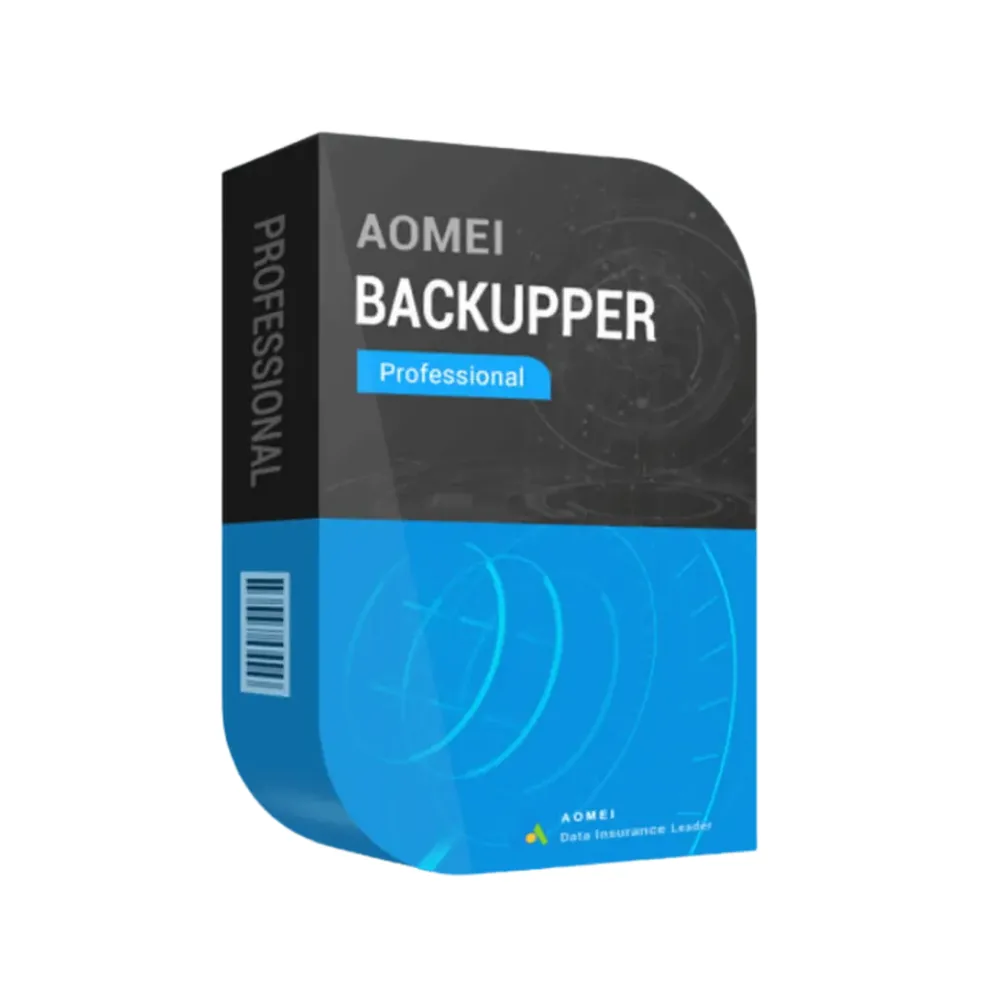
AOMEI Backupper Professional
€35.98 €71.98-12% OFF
AOMEI Backupper Professional
Delivered by email, usually within minutes of payment
Key Features
Buy AOMEI Backupper Professional License Key on SuperKeyStore: original product key, free technical support and a replacement-or-refund guarantee for faulty keys. System and disk backup, disk cloning, incremental backups, file sync and bootable recovery media for Windows PCs. Delivered by email, usually within minutes of payment.
Buy AOMEI Backupper Professional
You get an AOMEI Backupper Professional license key, the download link and activation steps by email. AOMEI Backupper Professional is a Windows backup and recovery program from AOMEI for system images, file backups, disk cloning and bootable recovery media. No box or DVD is shipped.
| Detail | Value |
|---|---|
| Product | AOMEI Backupper Professional |
| Developer | AOMEI |
| Category | Backup & Data Recovery |
| Delivery | License key and download link by email |
What does AOMEI Backupper Professional do?
AOMEI Backupper Professional backs up and restores Windows systems, disks and files. It protects data against hardware failure, malware and user errors. It also clones disks for drive upgrades. The license is available for 1 or 2 devices, with a 1-year or lifetime term.
What are the main features of AOMEI Backupper Professional?
The Professional edition combines backup, cloning and recovery in one program. The main features are:
- System backup: saves Windows, installed programs and settings in one image.
- Disk cloning: copies a drive to a new HDD or SSD without reinstalling Windows.
- Scheduled backups: run daily, weekly or on events.
- Incremental and differential backups: save only changes and use less storage.
- File sync: keeps folders updated across backup locations.
- Bootable media: restores the system when Windows does not start.
What is the difference between Backupper Professional and Technician Plus?
Professional is for use on own PCs, while Technician Plus allows use on unlimited PCs and servers for IT services. The table compares the editions:
| Edition | Devices | Servers |
|---|---|---|
| Professional | 1 or 2 PCs | No |
| Technician Plus | Unlimited PCs | Yes |
IT service providers can choose AOMEI Backupper Technician Plus Edition.
Which users does AOMEI Backupper Professional suit?
It suits home users, freelancers and small businesses that protect one or two Windows PCs. It is also useful before a move from an HDD to a faster SSD. Users who need to resize partitions can add a partition tool. More products are in the Backup & Data Recovery category.
Why buy AOMEI Backupper Professional from SuperKeyStore?
Buying AOMEI Backupper Professional at SuperKeyStore includes:
- Original license: an original AOMEI Backupper Professional license key, activated through AOMEI’s official activation.
- Email delivery: the license key and the official download link arrive by email, usually within minutes of payment (some orders get a security check of up to 24 hours).
- Free technical support: our team helps by email with installation and activation ([email protected]).
- Replacement or refund: if the key does not work, you get a working key or your money back, as set out in our Refund Policy.
How do you redeem your AOMEI Backupper Professional key?
You redeem the key in a few steps after the order email arrives. The redemption guide for AOMEI Backupper Professional is:
- Open your order email, download the software with the official link and enter your license key when asked.
Your key also stays in your order email and under My account.
Download & Activation
Download AOMEI Backupper Professional with SuperKeyStore
Buying AOMEI Backupper Professional takes a minute: add it to your cart, pay through our secure, encrypted checkout and you receive your product key and the official download link by email, usually within minutes. Everything you need is in your order email, together with these instructions.
How to install and activate AOMEI Backupper Professional
- Open your order email, download the software with the official link and enter your license key when asked.
Stuck at any step? Email [email protected] with your order number and a screenshot. Our support is free, and if a key does not work we send a replacement or refund you, as set out in our Refund Policy.
Why choose AOMEI Backupper Professional
AOMEI Backupper Professional is delivered digitally and ready to use within minutes.
More software at SuperKeyStore
Popular with this product: Windows 11 Pro, Office 2024 Professional Plus, Microsoft 365 Personal. Browse all antivirus software and money-saving bundles.
Digital delivery
All our products are delivered digitally by email: no shipping costs, no waiting for a parcel and no packaging waste. Your key is stored in your order email and, if you created one, in your account, so you can find it again at any time.
FAQ
Is this a genuine license?
Yes. You receive a genuine license key with the official download link by email.
How fast will I receive my key?
By email, usually within minutes of payment. Some orders go through a short security check that can take up to 24 hours. Please check your spam folder too.
What if my key does not work?
Email us your order number and a screenshot of the error. We send a replacement or refund you, as described in our Refund Policy.
More questions? See our FAQ, Refund Policy or contact us.
- Free supportBy email
- Instant deliveryKey in minutes
- Secure paymentsEncrypted checkout
- Genuine licensesOfficial activation
- Working-key guaranteeReplacement or refund
Chosen for you
View all EaseUS Backup Center for Workstation€50.98 €83.98+ Add
 Stellar Repair for Excel Original price was: €55.98.€46.98Current price is: €46.98.+ Add
 Stellar Toolkit for MS SQL€675.98+ Add
 EaseUS Backup Center for Advanced Server€301.98 €580.98+ Add
 AOMEI Backupper Technician Plus Edition€625.98 €882.98+ Add
Reviews
There are no reviews yet.