
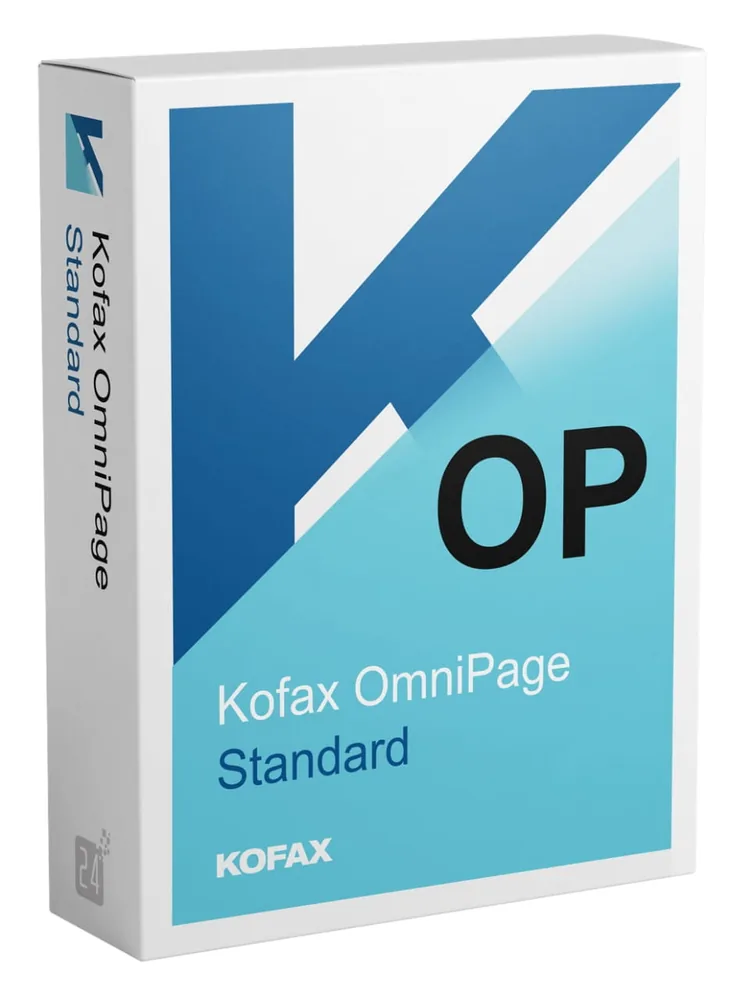
Kofax OmniPage Standard
€78.98
Kofax OmniPage Standard
In stock
Delivered by email, usually within minutes of payment
Key Features
Buy Kofax OmniPage Standard License Key on SuperKeyStore: original product key, free technical support and a replacement-or-refund guarantee for faulty keys. Accurate OCR that turns scans, images and PDFs into editable documents, keeping columns, tables and graphics, with one-click workflows. Delivered by email, usually within minutes of payment.
Buy Kofax OmniPage Standard
You get a Kofax OmniPage Standard license key, the download link and activation steps by email. Kofax OmniPage Standard is an OCR program from Kofax, now Tungsten Automation, that converts scanned paper, PDF files and images into editable and searchable documents. No box or DVD is shipped.
| Detail | Value |
|---|---|
| Product | Kofax OmniPage Standard |
| Developer | Kofax (now Tungsten Automation) |
| Category | PDF & Office Tools |
| Delivery | License key and download link by email |
What does Kofax OmniPage Standard do?
OmniPage Standard uses OCR to turn paper documents, PDF files and images into editable and searchable files. OCR stands for optical character recognition. The software reads the text in a scan and rebuilds the document. Kofax now operates under the name Tungsten Automation.
What are the main features of OmniPage Standard?
The software focuses on accurate recognition and faithful formatting. The main features are:
- Word recognition: reads text in paper documents and image files with high precision.
- Layout retention: keeps columns, tables, numbering and graphics.
- Format support: handles common document and image formats.
- Start page: starts a conversion with few steps.
- One-click workflows: run predefined or custom routines for repeated tasks.
- Searchable PDF: processes only non-searchable parts and keeps existing text intact.
Who should use OmniPage Standard?
OmniPage Standard suits small businesses and home users who digitize paper documents. An office can convert old contracts into editable Word files. A home user can make scanned letters searchable. Archives become easier to search and reuse.
What is the difference between OmniPage and PaperPort or Power PDF?
OmniPage converts scans into editable text, PaperPort organizes scanned files, and Power PDF edits PDF documents. The table compares the Kofax products:
| Product | Main task |
|---|---|
| OmniPage Standard | OCR and document conversion |
| PaperPort 14 Standard | Scanning and document organization |
| Power PDF 5.1 Standard | Creating and editing PDF files |
Users who mainly organize scans can compare Kofax PaperPort 14 Standard. PDF editing is covered by Kofax Power PDF 5.1 Standard Windows.
Why buy Kofax OmniPage Standard from SuperKeyStore?
Buying Kofax OmniPage Standard at SuperKeyStore includes:
- Original license: an original Kofax OmniPage Standard license key, activated through Kofax (now Tungsten Automation)’s official activation.
- Email delivery: the license key and the official download link arrive by email, usually within minutes of payment (some orders get a security check of up to 24 hours).
- Free technical support: our team helps by email with installation and activation ([email protected]).
- Replacement or refund: if the key does not work, you get a working key or your money back, as set out in our Refund Policy.
How do you redeem your Kofax OmniPage Standard key?
You redeem the key in a few steps after the order email arrives. The redemption guide for Kofax OmniPage Standard is:
- Open your order email, download the software with the official link and enter your license key when asked.
Your key also stays in your order email and under My account.
Download & Activation
Download Kofax OmniPage Standard with SuperKeyStore
Buying Kofax OmniPage Standard takes a minute: add it to your cart, pay through our secure, encrypted checkout and you receive your product key and the official download link by email, usually within minutes. Everything you need is in your order email, together with these instructions.
How to install and activate Kofax OmniPage Standard
- Open your order email, download the software with the official link and enter your license key when asked.
Stuck at any step? Email [email protected] with your order number and a screenshot. Our support is free, and if a key does not work we send a replacement or refund you, as set out in our Refund Policy.
Why choose Kofax OmniPage Standard
Kofax OmniPage Standard is delivered digitally and ready to use within minutes.
More software at SuperKeyStore
Popular with this product: Windows 11 Pro, Office 2024 Professional Plus, Microsoft 365 Personal. Browse all antivirus software and money-saving bundles.
Digital delivery
All our products are delivered digitally by email: no shipping costs, no waiting for a parcel and no packaging waste. Your key is stored in your order email and, if you created one, in your account, so you can find it again at any time.
FAQ
Is this a genuine license?
Yes. You receive a genuine license key with the official download link by email.
How fast will I receive my key?
By email, usually within minutes of payment. Some orders go through a short security check that can take up to 24 hours. Please check your spam folder too.
What if my key does not work?
Email us your order number and a screenshot of the error. We send a replacement or refund you, as described in our Refund Policy.
More questions? See our FAQ, Refund Policy or contact us.
- Free supportBy email
- Instant deliveryKey in minutes
- Secure paymentsEncrypted checkout
- Genuine licensesOfficial activation
- Working-key guaranteeReplacement or refund
Chosen for you
View all Ashampoo Pdf Pro 5 Original price was: €111.98.€78.98Current price is: €78.98.+ Add
 Foxit PDF Editor + Maintenance Contract 1 Year 1 - 9 User(s)€54.98+ Add
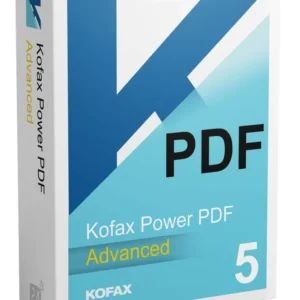 Kofax Power PDF 5.1 Advanced Original price was: €198.98.€122.98Current price is: €122.98.+ Add
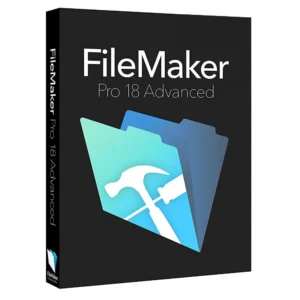 Claris FileMaker Pro 18 Advanced€335.98+ Add
 Nitro PDF Pro 14 Windows 1 User(s)€301.98+ Add
Reviews
There are no reviews yet.