
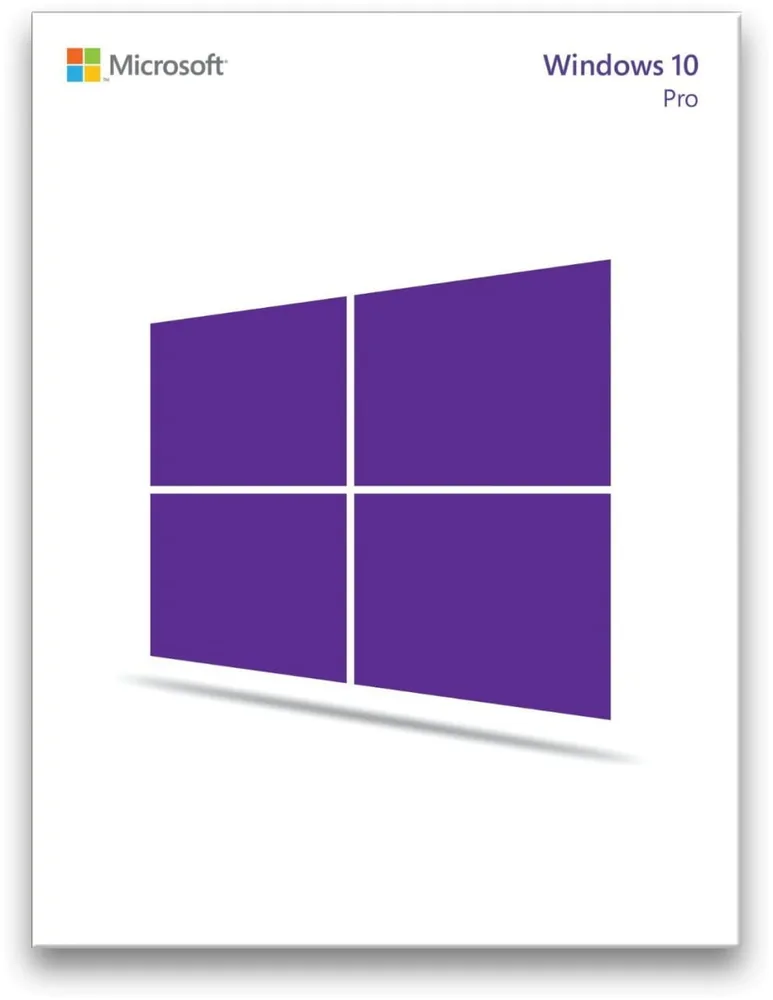
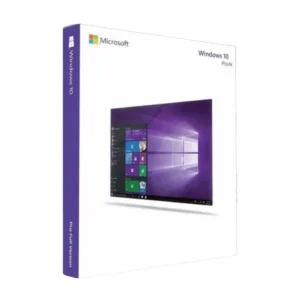
Microsoft Windows 10 Pro – Upgrade
€44.98
Windows 10 Pro Upgrade
In stock
Delivered by email, usually within minutes of payment
Key Features
Buy Windows 10 Pro Upgrade License Key on SuperKeyStore: original product key, free technical support and a replacement-or-refund guarantee for faulty keys. Upgrades Windows 10 Home to Pro with BitLocker encryption, Remote Desktop, domain join and Hyper-V virtual machines. Delivered by email, usually within minutes of payment.
Buy Windows 10 Pro Upgrade
You get a Windows 10 Pro Upgrade license key (one-time purchase), the download link and activation steps by email. Windows 10 Pro Upgrade is an upgrade license that turns an existing Windows 10 Home installation into Windows 10 Pro, adding BitLocker, Remote Desktop, domain join and Hyper-V. No box or DVD is shipped.
| Detail | Value |
|---|---|
| Product | Microsoft Windows 10 Pro – Upgrade |
| Developer | Microsoft |
| Category | Windows 10 |
| Platform | Windows |
| License | Lifetime (one-time purchase) |
| Delivery | License key and download link by email |
What does the Windows 10 Pro Upgrade do?
The Windows 10 Pro Upgrade changes an existing Windows 10 Home installation into Windows 10 Pro. Your files, programs and settings stay in place. A full new installation is not needed. The PC must already run Windows 10 Home. The upgrade is a one-time purchase.
What does Windows 10 Pro add to Windows 10 Home?
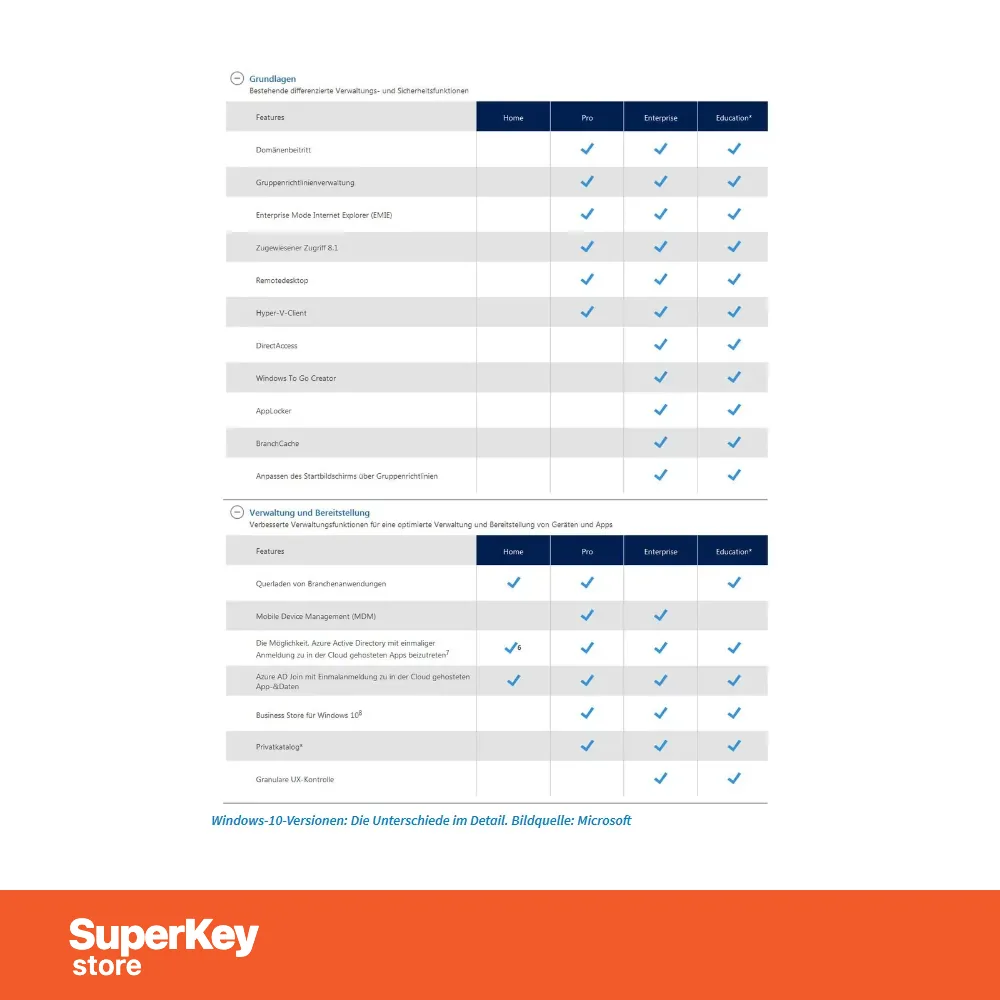
Windows 10 Pro keeps every Home feature and adds tools for businesses and advanced users. The additional functions are:
- Domain join: connects the PC to a company network and its central management.
- BitLocker: encrypts drives to protect data if a device is lost.
- Remote Desktop: lets you control the PC from another computer.
- Hyper-V: runs virtual machines on the same PC.
- Group Policy: lets administrators control settings across many PCs.
Which everyday features does Windows 10 Pro include?
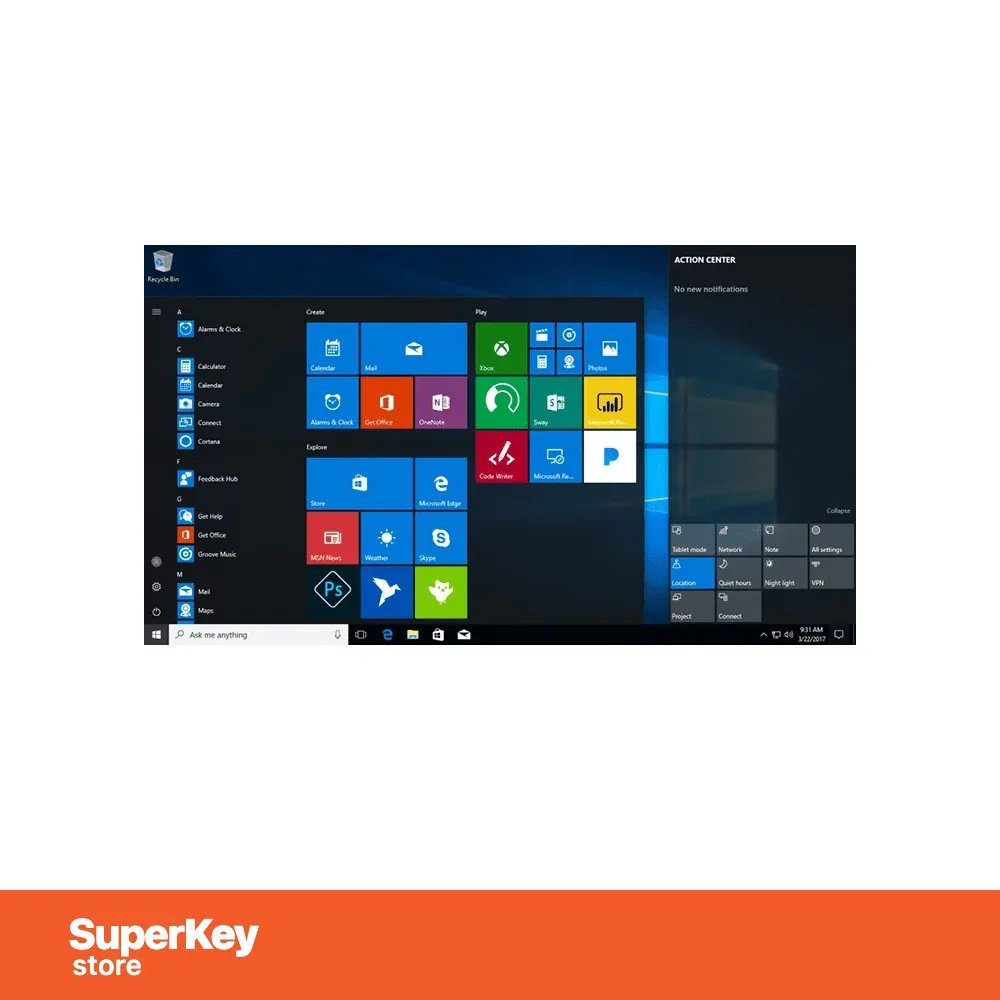
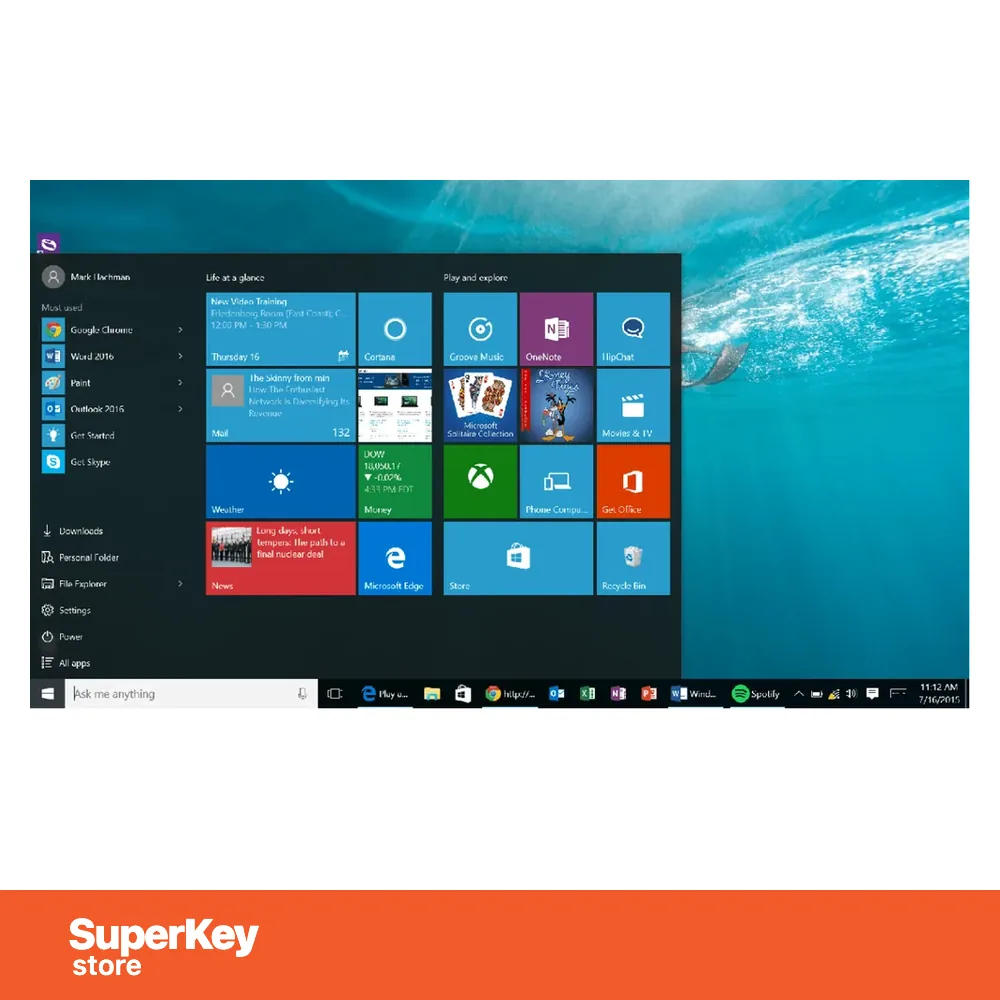
Windows 10 Pro includes the familiar Windows 10 tools for daily work. The resizable Start menu gives fast access to apps. Speech, pen and touch input are supported. Apps for photos, maps and mail are preinstalled. You can snap up to four apps on one screen and create virtual desktops. Microsoft Edge lets you write notes directly on web pages.
What is the difference between the Pro Upgrade and a full Windows 10 Pro license?
The upgrade needs an existing Windows 10 Home installation, while a full license installs Windows 10 Pro on any PC. The table compares the options:
| Detail | Windows 10 Pro Upgrade | Windows 10 Pro full license |
|---|---|---|
| Requirement | Windows 10 Home already installed | None |
| Keeps files and apps | Yes | Depends on installation |
| Result | Windows 10 Pro | Windows 10 Pro |
For a new PC without Windows, choose the Windows 10 Pro Product Key. All editions are listed in the Windows 10 category.
Why buy Windows 10 Pro Upgrade from SuperKeyStore?
Buying Windows 10 Pro Upgrade at SuperKeyStore includes:
- Original license: an original Windows 10 Pro Upgrade license key, activated through Microsoft’s official activation.
- One-time purchase: pay once and keep using Windows 10 Pro Upgrade. No subscription.
- Platform: Windows.
- Email delivery: the license key and the official download link arrive by email, usually within minutes of payment (some orders get a security check of up to 24 hours).
- Free technical support: our team helps by email with installation and activation ([email protected]).
- Replacement or refund: if the key does not work, you get a working key or your money back, as set out in our Refund Policy.
How do you redeem your Windows 10 Pro Upgrade key?
You redeem the key in a few steps after the order email arrives. The redemption guide for Windows 10 Pro Upgrade is:
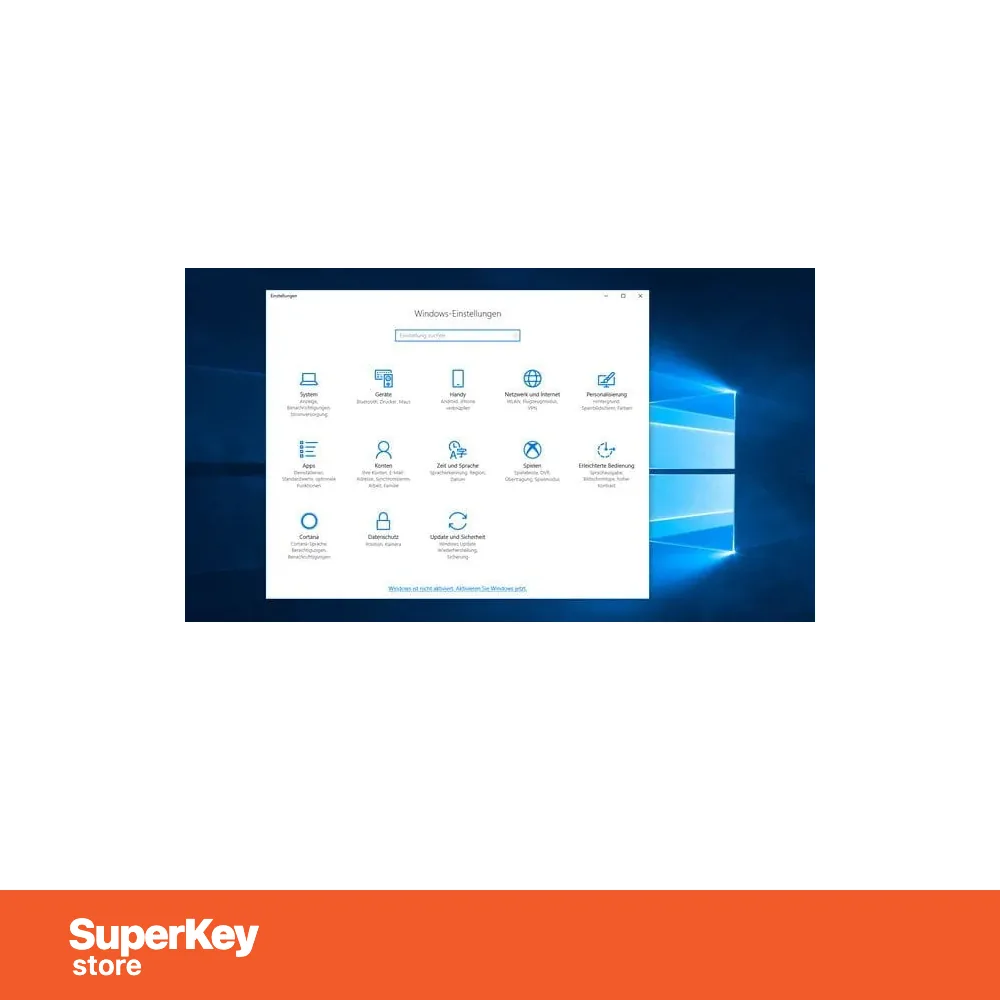
- Already running Windows? Open Settings > System > Activation and choose Change product key.
- Enter your 25-character key: Windows connects to Microsoft and activates within a minute.
- For a clean installation, download Microsoft’s free Media Creation Tool, create a bootable USB stick (8 GB or more) and enter the key during setup.
Your key also stays in your order email and under My account.
System Requirements
| Processor | 1 GHz or faster |
|---|---|
| Memory (RAM) | 1 GB (32-bit) or 2 GB (64-bit) |
| Storage | 32 GB or larger |
| Graphics card | DirectX 9 or later with WDDM 1.0 driver |
| Display | 800 x 600 resolution |
| Internet | Required for download, activation and updates |
| Microsoft support | Ended October 14, 2025 (Extended Security Updates available) |
Download & Activation
Download Microsoft Windows 10 Pro with SuperKeyStore
Buying Microsoft Windows 10 Pro takes a minute: add it to your cart, pay through our secure, encrypted checkout and you receive your product key and the official download link by email, usually within minutes. Everything you need is in your order email, together with these instructions.
How to install and activate Microsoft Windows 10 Pro
- Already running Windows? Open Settings > System > Activation and choose Change product key.
- Enter your 25-character key: Windows connects to Microsoft and activates within a minute.
- For a clean installation, download Microsoft's free Media Creation Tool, create a bootable USB stick (8 GB or more) and enter the key during setup.
Stuck at any step? Email [email protected] with your order number and a screenshot. Our support is free, and if a key does not work we send a replacement or refund you, as set out in our Refund Policy.
Why choose Microsoft Windows 10 Pro
An original Microsoft Windows 10 Pro license activates directly on Microsoft's servers, removes the "Activate Windows" watermark and unlocks all personalisation settings and Windows updates for this edition.
More software at SuperKeyStore
Popular with this product: Office 2024 Professional Plus, Office 2021 Professional Plus, Norton 360 Deluxe. Browse all antivirus software and money-saving bundles.
Digital delivery
All our products are delivered digitally by email: no shipping costs, no waiting for a parcel and no packaging waste. Your key is stored in your order email and, if you created one, in your account, so you can find it again at any time.
FAQ
Is the Windows 10 license lifetime?
Yes. It is a one-time purchase that stays activated on your PC.
Is Windows 10 still supported?
Microsoft ended regular support for Windows 10 on October 14, 2025. It keeps working, and Extended Security Updates are available from Microsoft. If your PC meets the requirements, consider Windows 11.
Can I upgrade to Windows 11 later?
If your PC meets the Windows 11 requirements, you can upgrade through Windows Update; your activation carries over to the matching Windows 11 edition in most cases.
Can I use the key on several PCs?
No. One key activates one PC.
How fast will I receive my key?
By email, usually within minutes of payment. Some orders go through a short security check that can take up to 24 hours. Please check your spam folder too.
What if my key does not work?
Email us your order number and a screenshot of the error. We send a replacement or refund you, as described in our Refund Policy.
More questions? See our FAQ, Refund Policy or contact us.
- Free supportBy email
- Instant deliveryKey in minutes
- Secure paymentsEncrypted checkout
- Genuine licensesOfficial activation
- Working-key guaranteeReplacement or refund
Reviews
There are no reviews yet.